
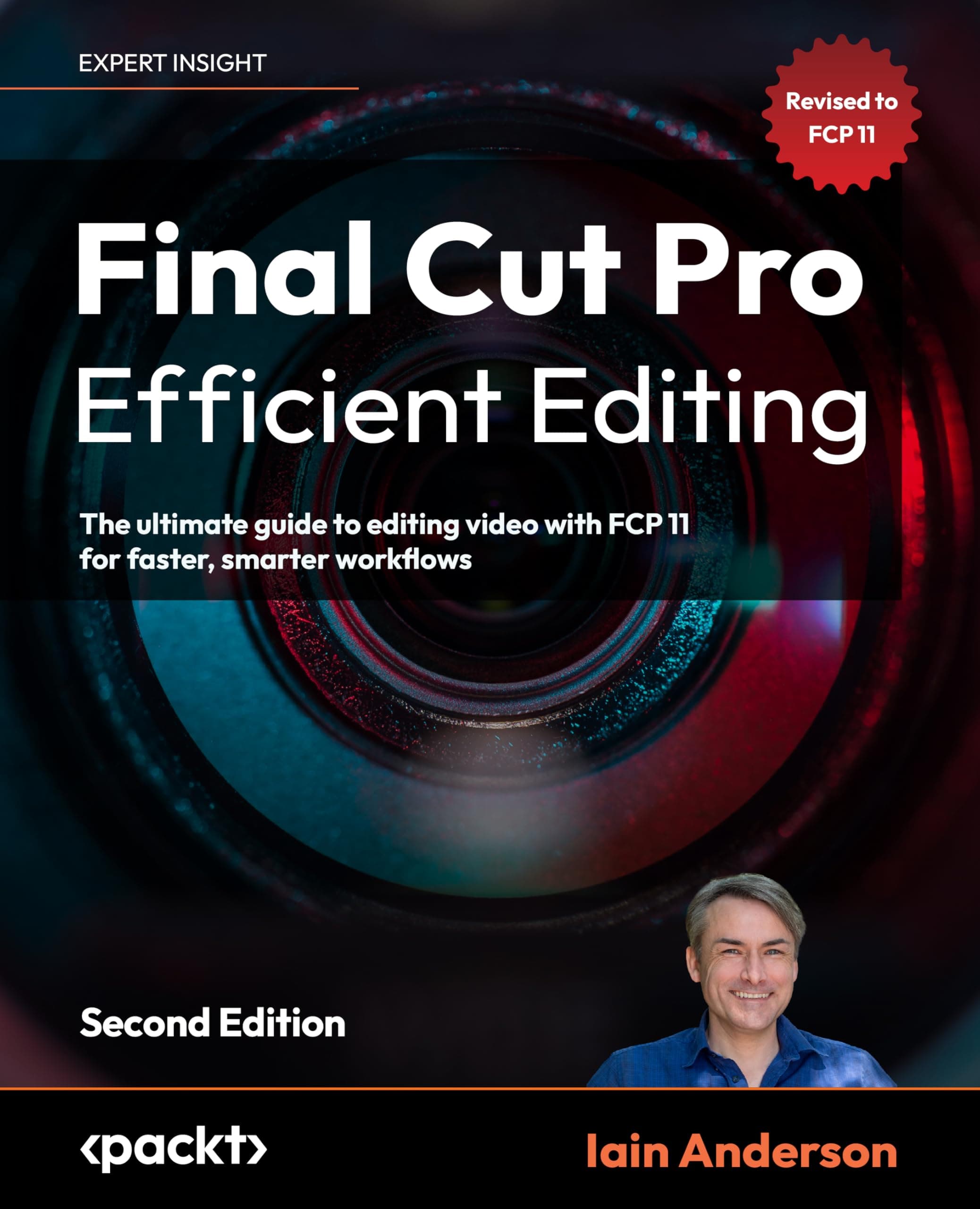
Final Cut Pro Efficient Editing: The ultimate guide to editing video with FCP 11 for faster, smarter workflows
Overview
Final Cut Pro Efficient Editing: The ultimate guide to editing video with FCP 11 for faster, smarter workflows is a practical, hands-on manual for editors who need speed without sacrificing creative control. The book breaks FCP 11 down into actionable routines—media organization, proxy workflows, multicam cutting, roles and metadata, color correction, and export optimization—so you can complete real projects faster. It includes keyboard shortcut maps, timeline optimization strategies, render and background processing advice, and a troubleshooting checklist for performance on both Intel and Apple Silicon Macs. Designed for freelancers, content creators, students, and in-house editors, the guide focuses on repeatable workflows, time-saving templates, and decisions that reduce turnaround time on everyday edits.
Key Features
- Format: Available in paperback and eBook editions; paperback approximately 6 x 9 inches for desk-friendly reference
- Length: Concise, task-focused chapters with step-by-step walkthroughs, annotated screenshots, and workflow checklists (approx. 250–350 pages depending on edition)
- Workflow tools: Dedicated chapters for proxy creation, multicam syncing, Roles & metadata usage, compound clips and smart conform for social formats
- Performance tuning: Sections addressing Apple Silicon vs Intel Macs, GPU-accelerated rendering, background render settings, and media management to reduce I/O bottlenecks
- Export & delivery: Preset-driven export strategies, codec and container recommendations (H.264/H.265 ProRes workflows), and batch export tips to standardize deliverables
Pros & Cons
Pros
- Practical, workflow-first approach that applies directly to real projects rather than abstract theory
- Clear, repeatable checklists and keyboard maps that reduce editing time and context switching
- Covers modern FCP topics: proxy workflows, multicam, Roles/metadata and Apple Silicon performance tips
- Helps reduce exports and renders through optimized project setup and background-processing strategies
Cons
- Focused on FCP 11 — some instructions or menus may not match earlier or radically different future versions
- Not a comprehensive beginner's manual; assumes basic familiarity with Final Cut’s interface and concepts
- Print edition limits interactive demonstration — readers may prefer companion video tutorials for some techniques
Recommendations
- Freelance video editors who need to tighten turnaround times and deliver polished content quickly
- YouTubers and social creators wanting consistent, repeatable export and framing workflows across multiple platforms
- In-house corporate or marketing editors managing frequent short-form videos with strict deadlines
- Film and media students who already know the basics and want to learn professional, efficient workflows and project organization
Frequently Asked Questions
View this page in: English · Español
Price History
More to Explore
from Amazon